Your latest photos, one click away.
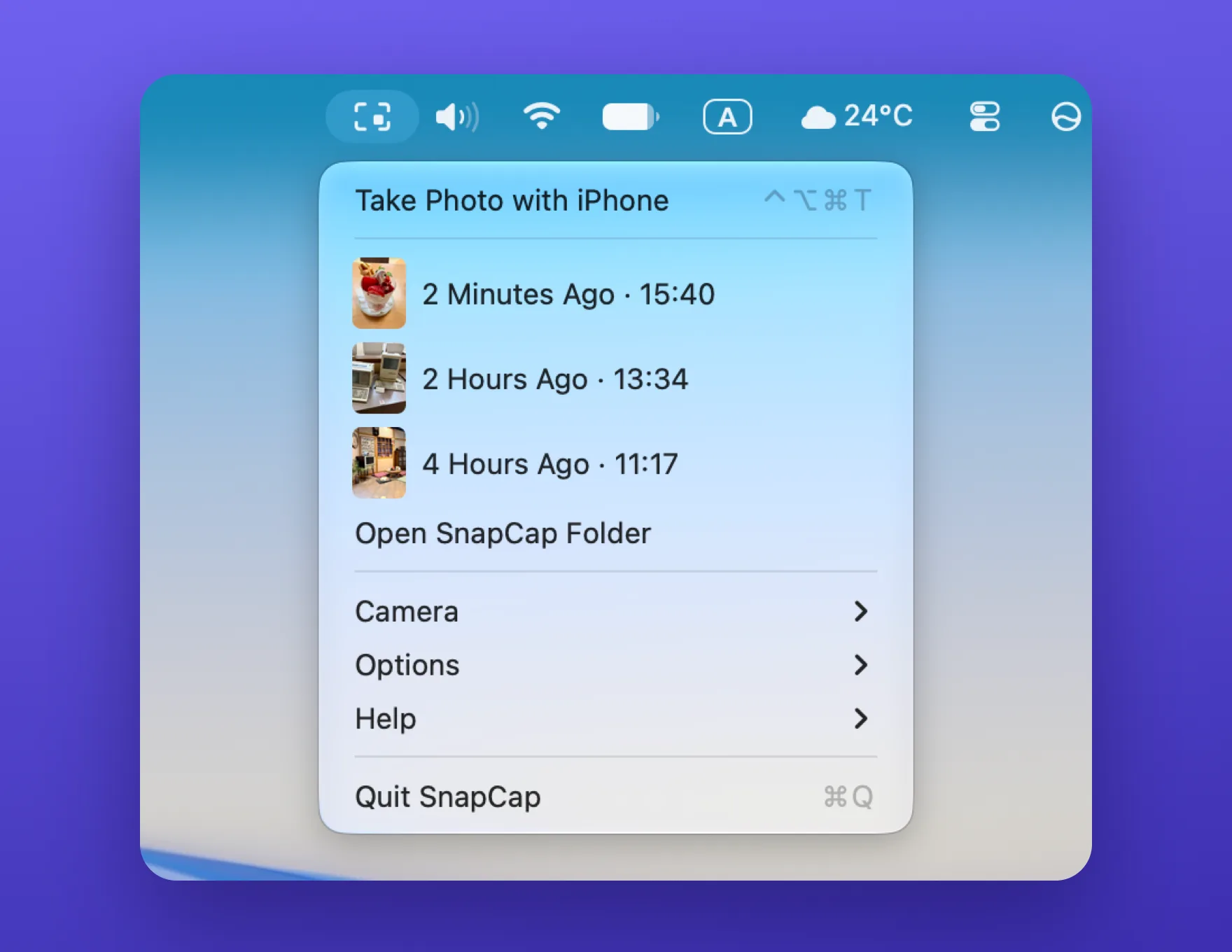
Right-click the menu bar icon for your three most recent photos. Every photo is also saved to Pictures › SnapCap.
 SnapCap
One click opens your iPhone’s camera. The photo lands on your Mac’s screen, ready to drag into any app.
Coming soon to the Mac App Store · Free for 7 days

Right-click the menu bar icon for your three most recent photos. Every photo is also saved to Pictures › SnapCap.
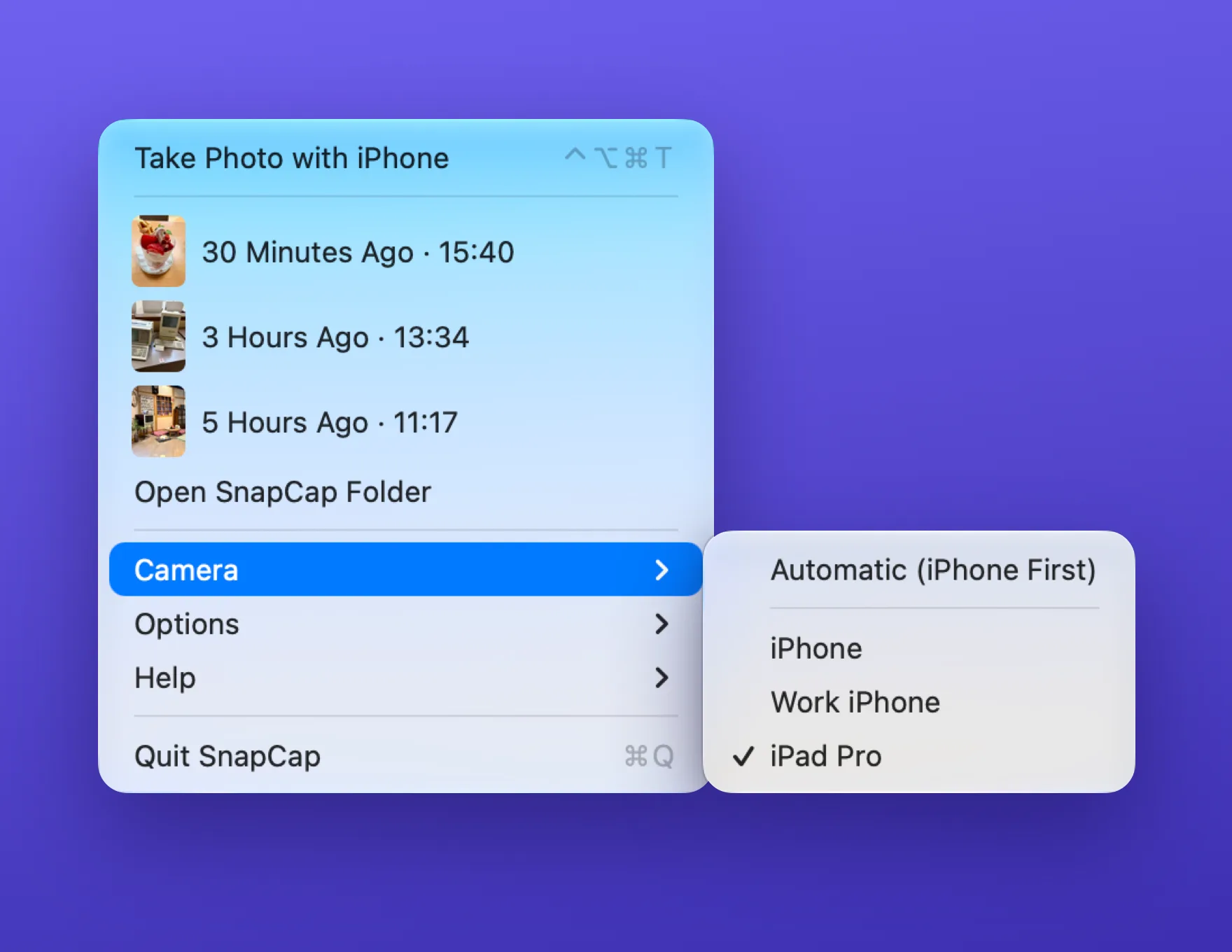
Pick the camera you want, or let SnapCap choose an iPhone first.
No account, no tracking. Your photos go from your iPhone to your Mac and nowhere else.
Every feature is free for 7 days. After that, a single purchase keeps it yours. No subscription.